Web App
Preview Tool & Linter
Test HTML, React Email, MJML, and Maizzle templates with side-by-side rendering and 14-point quality audits.
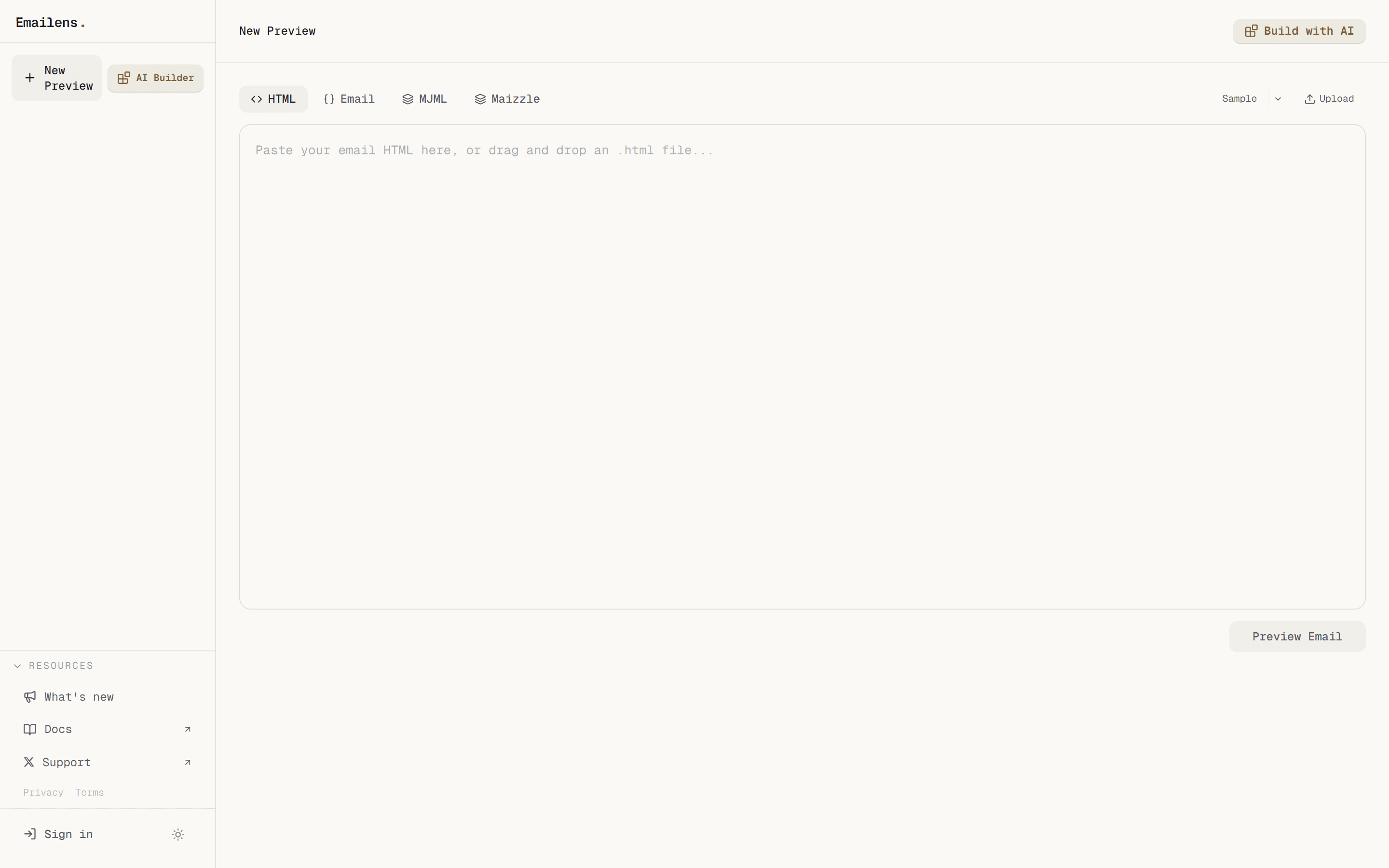
The Preview Tool at emailens.dev/dashboard/new is the core diagnostic workspace for inspecting email rendering across 21 client environments.
Input Formats
You can paste or upload templates in any of 4 formats:
- Raw HTML: Standard email markup with inline styles.
- React Email (JSX/TSX): Automatically compiled via
@react-email/render. - MJML (
<mjml>): Transpiled on the fly via the official MJML compiler. - Maizzle: Tailwind-based email templates compiled with automated style inlining.
14-Point Audit Breakdown
Beyond basic CSS property checks, Emailens runs a comprehensive 14-category quality audit:
| Category | What it Audits |
|---|---|
| CSS Compatibility | 298 CSS and HTML features cross-referenced against the Can I Email database. |
| VML & MSO Conditionals | Verifies <!--[if mso]> conditional blocks and VML shapes for Outlook Classic. |
| Spam Heuristics | Scans subject line and body for spam-trigger keywords and high-risk phrasing. |
| Link Integrity | Flags broken URLs, insecure http:// targets, and missing unsubscribe links. |
| Accessibility (A11y) | Checks image alt attributes, heading hierarchy, and WCAG contrast ratios. |
| Image Weight & Dimensions | Detects oversized images that slow load times, plus missing fallback dimensions. |
| Inbox Snippet Preview | Visualizes how the sender, subject, and preheader appear in desktop and mobile inboxes. |
| Gmail Size Clipping | Monitors message byte weight against Gmail's 102KB clipping limit (#clipping). |
| Template Variables | Checks for unrendered merge tags (e.g. {{user_name}}, `* |
| Mobile Layout Overflow | Measures rendered element widths to catch horizontal scrolling bugs on 375px screens. |
| Visual Rendering Differences | Identifies elements rendered with divergent box models across rendering engines. |
| Dark Mode Contrast | Validates text legibility under forced client color inversions. |
| Mobile Contrast | Ensures readability at narrow mobile viewports. |
| Design Consistency | Checks font hierarchy, palette adherence, and spacing regularity. |
21 Supported Email Clients
Emailens transforms and scores HTML specifically for:
- Gmail: Web, iOS, Android (including partial & full dark mode inversions).
- Outlook: Windows (Word rendering engine), Mac, Web, iOS, Android.
- Apple Mail: macOS, iOS (WebKit engine).
- Yahoo Mail: Web, iOS, Android.
- Samsung Mail: Android default mail client.
- Thunderbird: Gecko rendering engine.
- HEY & Superhuman: Modern web inboxes.
AI Fix Prompts & Auto-Repair
When issues are found:
- Each CSS warning provides a one-click copyable before/after code patch.
- Pro and Team plan users can click AI Fix to automatically patch HTML in-place.
- Users can click Export Prompt to copy a structured prompt with all warnings and context to paste into Claude, Cursor, or ChatGPT.