Web App
Sharing Previews
Create public, collaborative preview links with client switching and password protection.
The Share Links feature lets you send preview results to teammates, designers, QA engineers, or clients without requiring them to create an account or sign in.
Generating a Share Link
- Open any preview from your dashboard or immediately after analyzing an email.
- Click Share in the top navigation bar.
- Configure optional security settings:
- Expiration Period: Set link expiry (e.g. 7 days, 30 days, or never).
- Password Protection: Require a passcode to view the preview.
- Copy the unique link (
https://emailens.dev/share/{id}).
What Recipients See
Recipients receive an interactive, read-only dashboard:
- Full 21-client switcher with side-by-side rendering.
- Compatibility scores and CSS warning breakdowns.
- Dark mode toggle with client-specific inversion models.
- Responsive mobile / desktop viewport toggles.
Managing Share Links
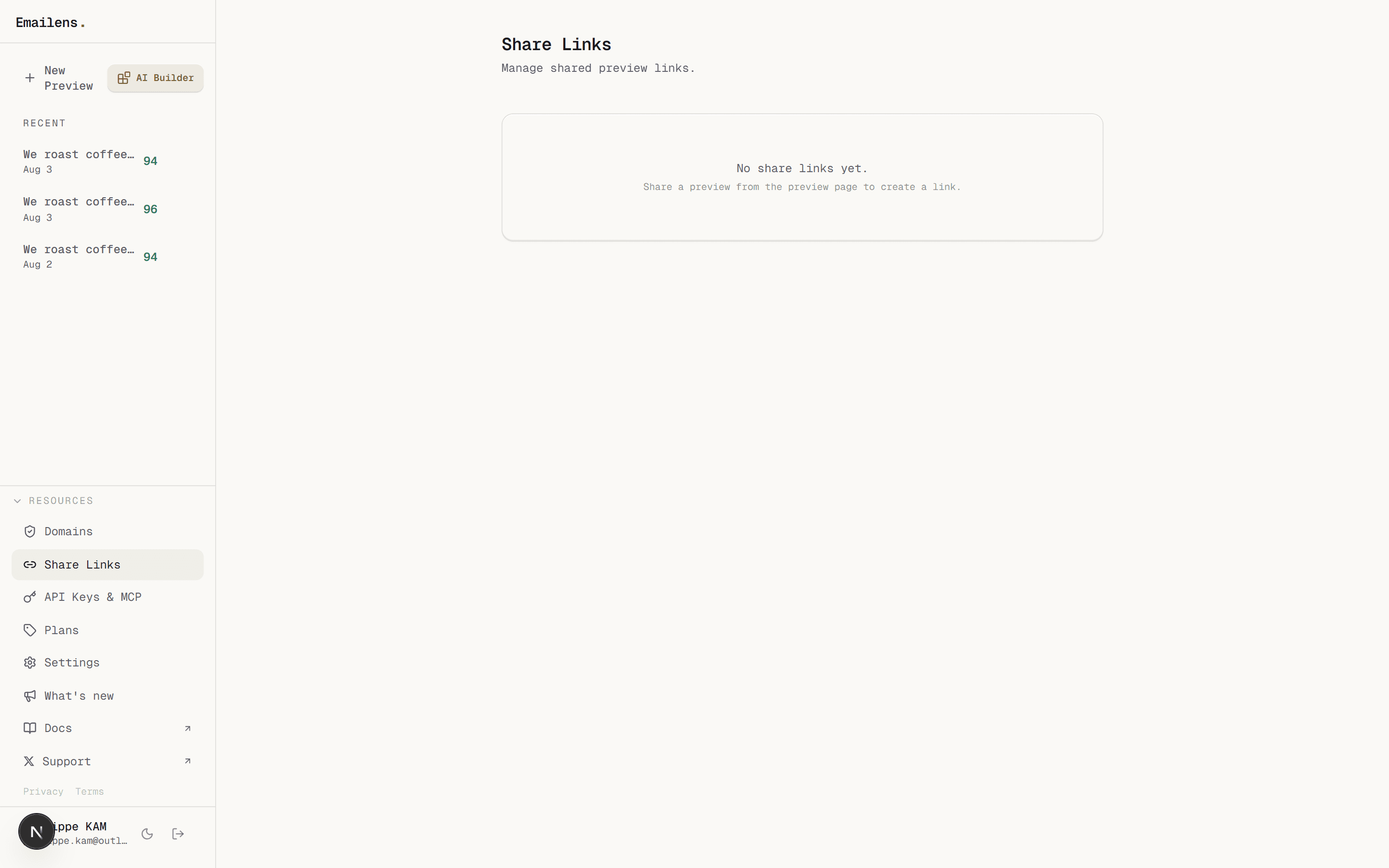
Visit Dashboard > Share Links (/dashboard/shares) to view all active share URLs, check access counts, update passwords, or immediately revoke links.
Programmatic Creation
Share links can also be generated via the REST API:
curl -X POST https://emailens.dev/api/share \
  -H "Authorization: Bearer ek_live_..." \
  -H "Content-Type: application/json" \
  -d '{"previewId": "abc123def456"}'