API Keys & MCP Management
Manage API keys, monitor 30-day traffic split between REST and MCP, and test server connections.
The API Keys & MCP dashboard at emailens.dev/dashboard/api-keys provides credential management and usage observability for programmatic and AI-driven workflows.
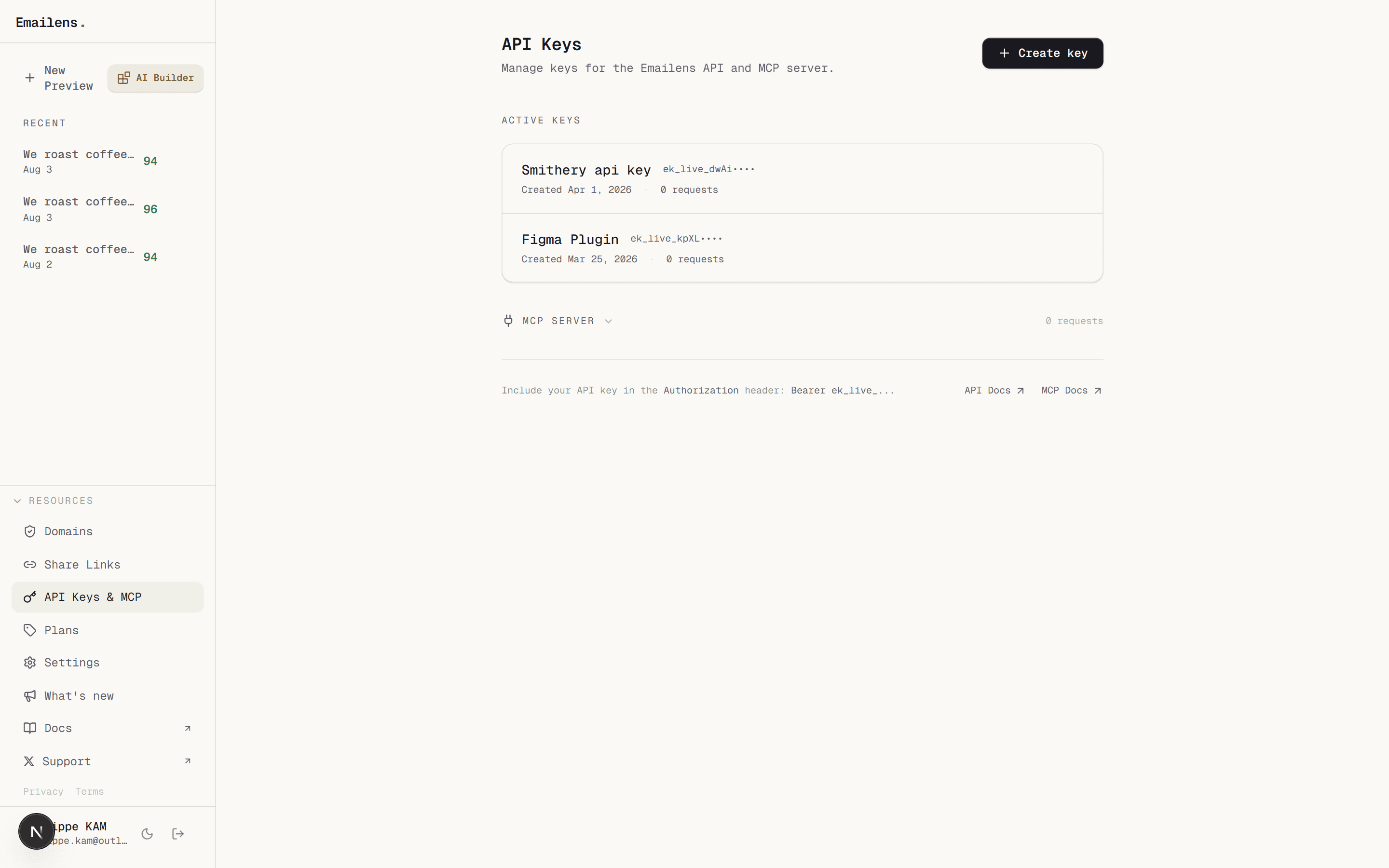
API Key Features
- Scoped Secret Generation: Create keys prefixed with
ek_live_.... Full keys are only displayed once upon creation. - Traffic Surface Split: View the 30-day breakdown of requests originating from the REST API vs. the MCP Server (e.g. Claude Desktop, Cursor, Claude Code).
- 30-Day Activity Sparklines: Track per-key request volume and liveness over time.
- Revocation & Naming: Rename keys for specific environments (
Production,CI/CD,Local MCP) or instantly revoke compromised keys.
Integrated MCP Server
The dashboard includes a dedicated configuration section for connecting AI assistants to Emailens:
1. Remote Endpoint (Zero Install)
Point any MCP client directly to https://app.emailens.dev/api/mcp with your API key in the Authorization header. No Node.js or local installation required.
2. Local stdio (@emailens/mcp)
Run the local CLI with npx -y @emailens/mcp or bunx @emailens/mcp with EMAILENS_API_KEY set.
3. Claude Code Integration
One-command installation for Claude Code CLI:
claude mcp add emailens -e EMAILENS_API_KEY=ek_live_... -- npx -y @emailens/mcpIn-Dashboard Connection Testing
Click Test endpoint in the dashboard to verify live JSON-RPC handshake, active protocol version (0.7.1), and tool registry count directly from your browser.
Plan Limits
- Free: 0 API keys.
- Dev: 1 active API key.
- Pro: 10 active API keys.
- Team: 10 active API keys.